How do I download measurements as CSV?
Need your data as a CSV? There are two ways to get one, depending on whether you want a fully customizable report or a quick export of what's on screen.
Option 1: A customizable report
This is the most flexible way, you choose the time range, frequency, format, and columns. Create a Datasource measurements report by following downloading your measurements with Reports.
Option 2: A quick download from Historical Data
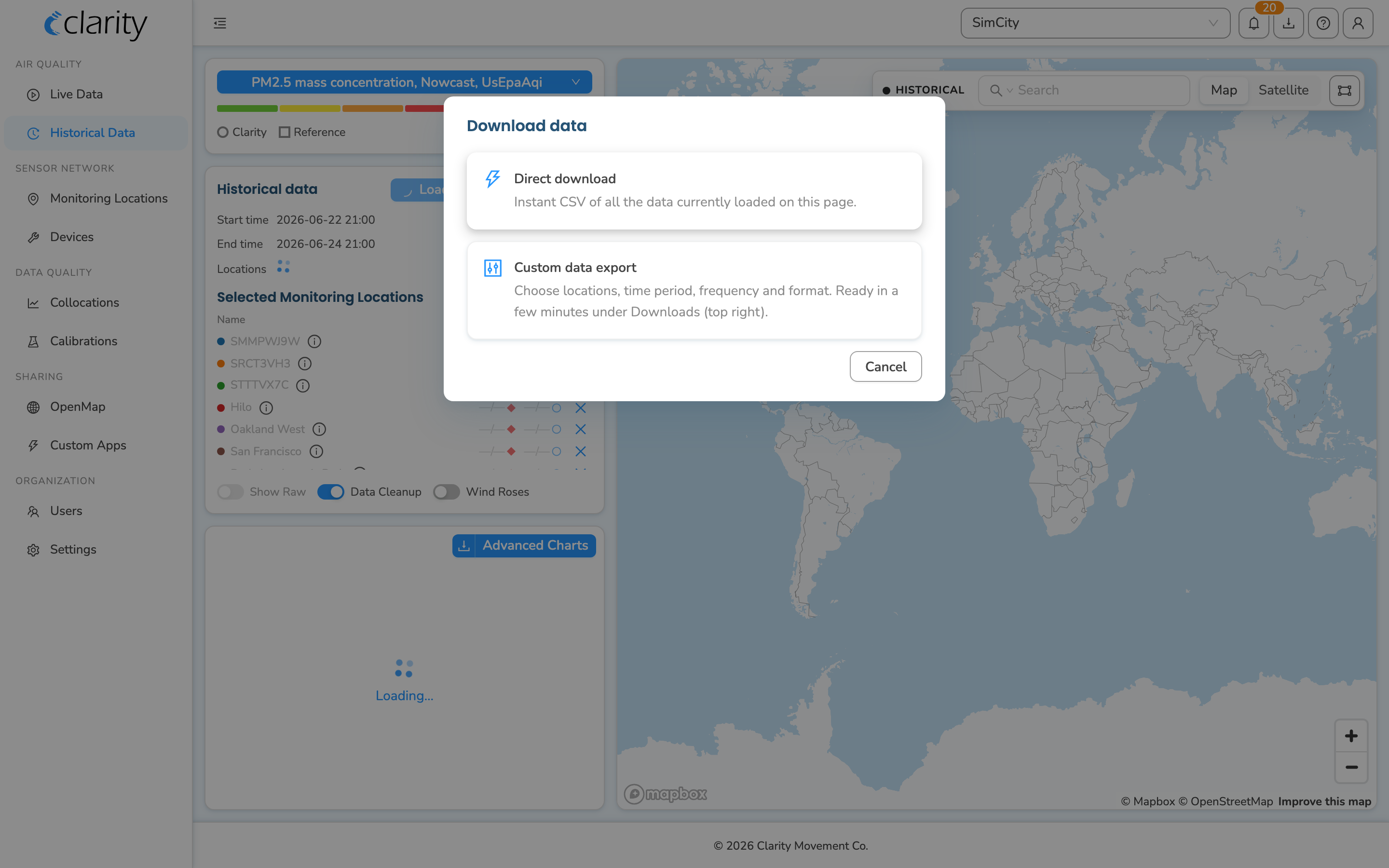
This is the fastest way when you just want what you're currently viewing. On the Historical Data page, under AIR QUALITY, load the locations and time range you want, then click Download and choose Direct download for an instant CSV of exactly what's on screen. Choose Custom data export instead for anything beyond the visible window, which opens the same report dialog as Option 1.
What's next
Still need a hand? Email us at support@clarity.io or create a support ticket, and our team will get back to you.
Was this helpful?