What steps should I follow to clean the Dust Module if it reports unusually high or erratic PM10 values?
If your Dust Module is reporting unusually high or erratic PM10 values, a blockage in the inlet tube is often the cause. This article shows you how to clear it with compressed air. You generally only need to do this when readings are erratic or unusually high.
Before you start
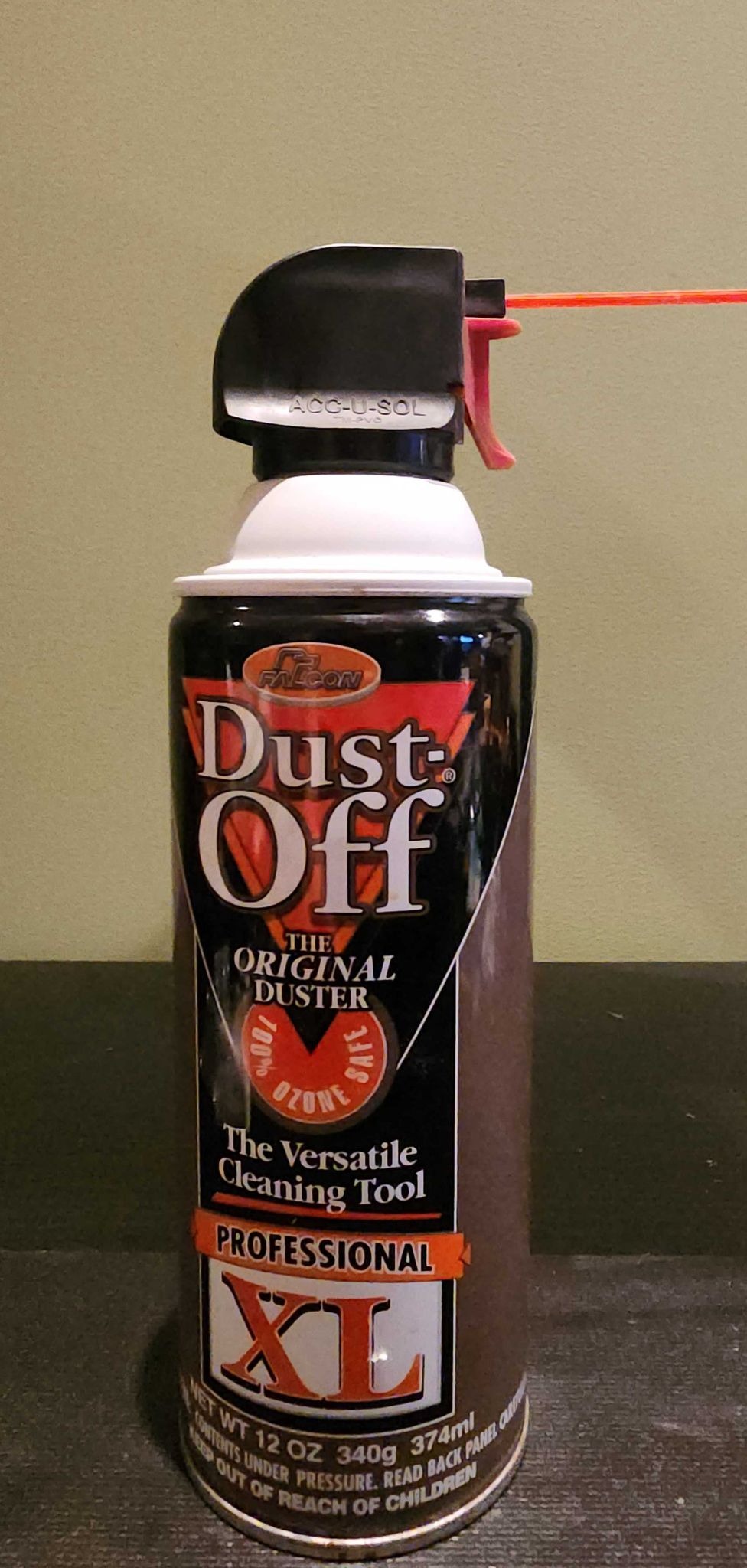
- Use compressed air safely. Follow the can's instructions, don't spray longer than it recommends, and never spray compressed air upside down.
- Have a can of compressed air ready, plus a soft toothbrush for the screen if needed.
- If you have any questions, contact support@clarity.io before you start.
1. Blow out the inlet tube
- Remove the inlet tube cap.
- Insert the compressed air tube into the top of the inlet tube and pull the trigger for about 2 seconds.
2. Clean the screen
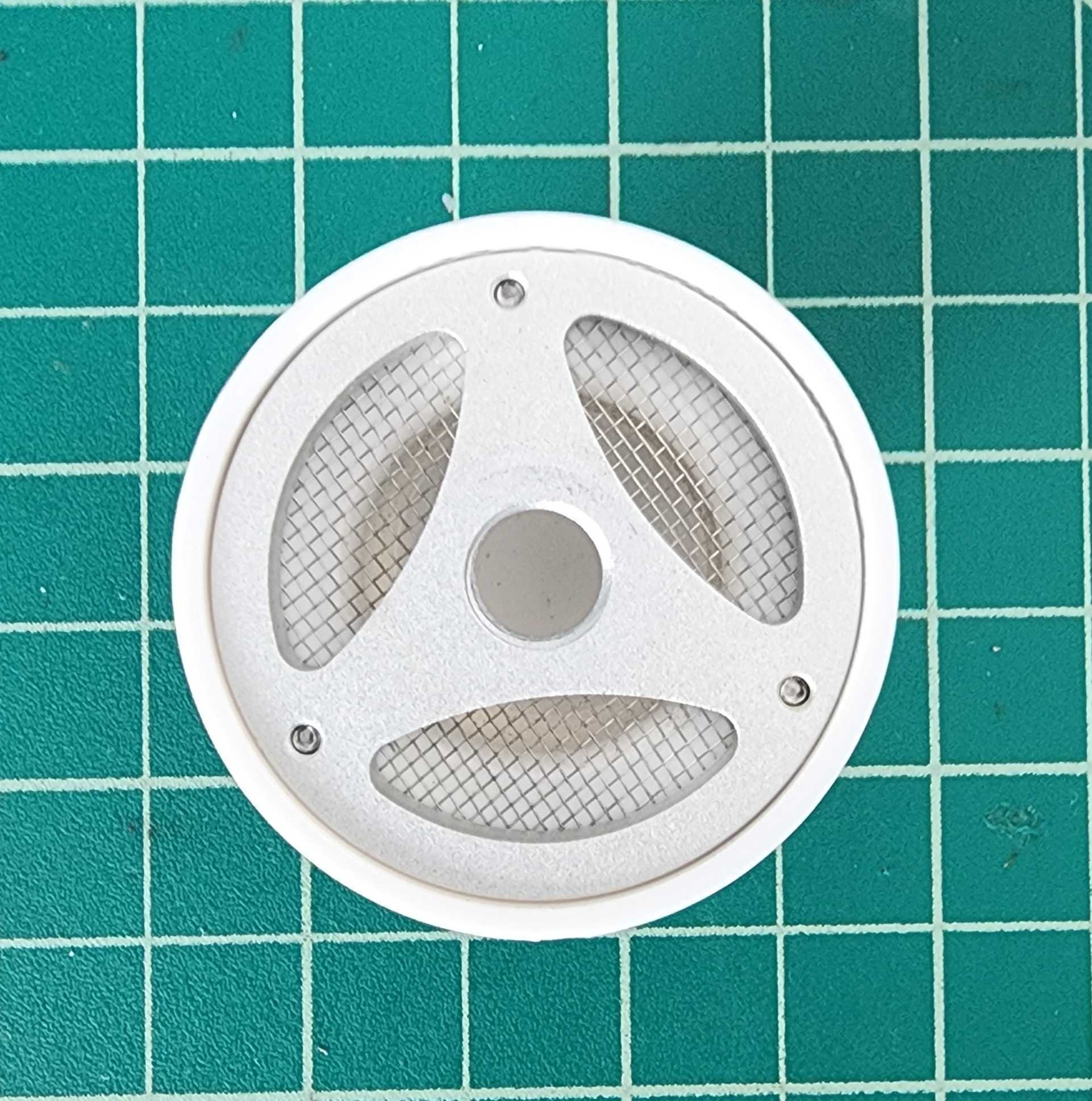
- Inspect the screen on the inlet tube cap.
- If there's debris or spider webs on it, remove them with a soft toothbrush, or wash it lightly with water and dry it.
- Replace the inlet tube cap.
3. Check whether it worked
- Wait at least 2 sleep-time periods, up to 30 minutes depending on your device's sampling rate, then check the PM10 data on the Dashboard. You can adjust the output frequency to see individual measurements.
- If the sensor is operating normally, you're finished.
- If the blockage still appears to be there, repeat the compressed-air step up to 2 more times, waiting 2 sleep-time periods between attempts to check the results.
You're done! If three rounds of compressed air don't clear the blockage, contact support@clarity.io to discuss return and repair options.
What's next
- Dust Module maintenance.
- Clean the Node-S airways.
- Deploy the Dust Module.
Still need a hand? Email us at support@clarity.io or create a support ticket, and our team will get back to you.
Was this helpful?